
Fish Thunder Pro X puts members into a fast underwater shooting screen where targets move at different speeds and appear in changing groups. At PHJILI, the title is presented through a clear interface built around aiming, firing, target selection, and score collection. This guide is written for members who want clear rules, useful shooting methods, and a simple way to understand each screen before playing.
Getting to understand Fish Thunder Pro X at PHJILI
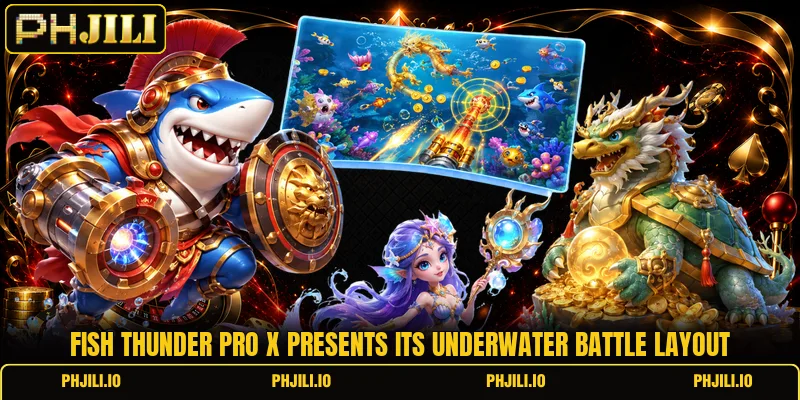
The main screen places sea creatures across several lanes while cannons remain near the lower edge for direct aiming. Members follow moving targets, choose a shot level, and fire when a clear path appears instead of sending repeated shots into crowded areas. Comparable fish-shooting games also use moving targets, bosses, and point-based shooting as central screen elements.
Fish Thunder Pro X becomes easier to read when players separate ordinary targets from larger creatures that stay visible longer. A room may display shot examples such as PHP 1, PHP 5, or USD 1 beside the selected cannon setting. The key screen information comes from target movement, cannon strength, score changes, and temporary events rather than decorative underwater effects.
Core shooting mechanics and target selection methods
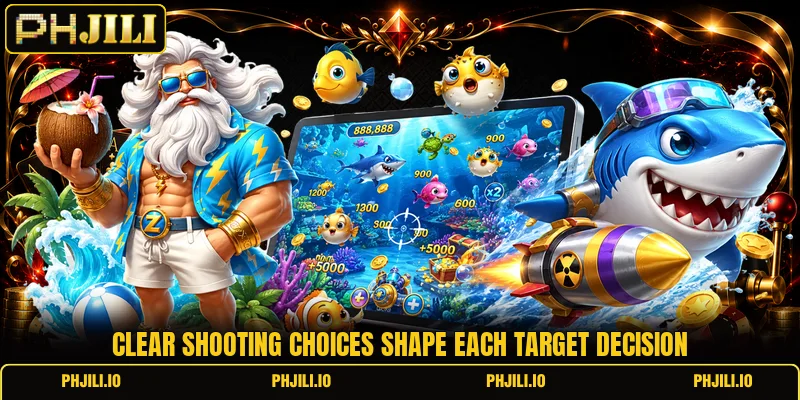
Fish Thunder Pro X uses a simple action cycle: select a target, aim the cannon, choose the available shot value, then fire. Members should read movement direction before shooting because fast creatures can leave the screen before several projectiles reach the same area.
Learn the basic firing cycle
Each round starts with moving creatures entering from different edges, while the cannon stays ready for manual direction changes. Players can follow one target with the aiming line, release a shot, and watch whether the projectile connects before sending another. This sequence keeps the screen readable and prevents several shots from being wasted on a creature that has already moved away.
A small shot level is useful when many ordinary targets cross the center, where hit opportunities can appear more often. Larger shot settings can be reserved for slower creatures that remain visible across a wider part of the screen. Members should compare the cost of each shot with the target size before pressing fire again.
Fish Thunder Pro X shot timing
Fish Thunder Pro X rewards careful timing more than random tapping because each projectile needs a clear route toward the selected creature. A target moving toward the middle usually offers more screen time than one already approaching an outer edge. Players can pause after a missed shot, adjust the cannon angle, and wait for a better line instead of repeating the same direction.
Group movement matters when several creatures overlap, since one target can block the visual path to another. Members can wait until the group spreads, then focus on a single creature with a clean outline and predictable direction. This method makes each firing choice easier to follow and reduces confusion during faster screen activity.
Choose prey by movement pattern
Slow targets are easier to track because their direction changes can be seen before they cross a large section of the display. Players can aim slightly ahead of the creature rather than directly at its current position when movement stays steady. A fast target deserves fewer attempts when it is already close to leaving the visible area.
View more: Ocean King Reloaded Max – Rules, Targets, And Shot Control
Larger creatures often remain on screen longer, but they can also require more attention and repeated firing than common targets. Members should judge remaining screen time first, then decide whether another shot still has a reasonable chance to connect. When a creature turns sharply, moving the cannon before firing again can produce a cleaner angle.
Smarter play through rooms arsenal and screen events
Room choice changes the pace because different tables can present different shot ranges, target density, or entry conditions. Fish Thunder Pro X should be approached by checking visible settings first, especially when PHP or USD values differ between available rooms.
Match rooms with shot values
Members should enter a room only after checking its displayed shot range and confirming that the minimum setting suits their intended session. A table using PHP 1 shots creates a different firing pattern from one beginning at PHP 10, even when the screen looks similar. The same comparison applies when a room displays USD values instead of Philippine pesos.
In Fish Thunder Pro X, lower shot ranges allow more individual firing decisions across the same displayed credit amount. Higher settings make every missed projectile more important, so target selection needs to be more selective from the first minute. Members should always read the room label before entering because visual themes alone do not show the actual firing cost.
Adjust weapons avoiding constant switching
Weapon changes should follow a clear reason, such as a slower large target entering the middle or a dense group opening across several lanes. Players who switch power levels after every movement can lose track of shot cost and target direction at the same time. A steadier approach keeps the cannon setting unchanged until the screen presents a better reason to adjust.
Fish Thunder Pro X can feel faster during event moments, so simple weapon decisions become more useful when the display becomes crowded. Members can keep one familiar level for ordinary creatures, then raise it briefly when a larger target offers enough screen time. After that target leaves, returning to the earlier setting restores a more controlled firing pattern.
Read temporary visual events carefully
Special screen events can change movement speed, target density, or the number of large creatures visible at one time. Players should identify what actually changed before increasing fire, because brighter effects do not automatically mean every target deserves more shots. Watching one full movement cycle can reveal whether the event creates longer target exposure or only adds visual activity.
Fish Thunder Pro X is easier to handle when members treat each event as a new screen condition rather than a signal to tap faster. A crowded moment may create several possible targets, but choosing one clear path still makes aiming easier than spreading shots everywhere. When the event ends, players should return attention to normal movement and ordinary cannon settings.

View more Category: Fish
Conclusion
Fish Thunder Pro X centers on clear aiming, target movement, shot selection, and room awareness, so members can understand each decision before firing. The game at PHJILI is easier to approach when players read visible settings, follow one target at a time, and adjust weapons only with a clear reason. Download the app, open the game room, register an account when needed, and good luck with every carefully chosen shot.